Category: 3D printing

  • Tools for Working With STL Files and 3D Scans

    A Quick List of Tools for 3D Scanning and Reverse-Engineering Parts

    Modifying things like STL files (or .OBJ, etc)or even turning them into engineering-style CAD models used to be something that was usually more trouble than it was worth. Modern tools are changing that. Here are a few.

    ScanRuler

    This tool is more complex than the others in that it’s capable of more than just one thing. Full writeup here.

    When given a 3D scan (even a partial one, which most 3D scans are…) it provides an easy way to “snap” primitive shapes (like spheres, etc) onto the scan features — all tied to real-world dimensions. If you have ever dealt with 3D scans you’ll see the value of this.

    It also has some features for reverse-engineering the scans / meshes into parts. Optional MCP interface for having an AI steer that process.

    Mesh2CAD

    Python tool for fitting primitives onto a mesh (STL, OBJ, PLY) to create a CAD model version (STEP, FreeCAD, etc). Works best with simple parts like fixtures, etc that have no involutes & sweeping curved surfaces, etc.
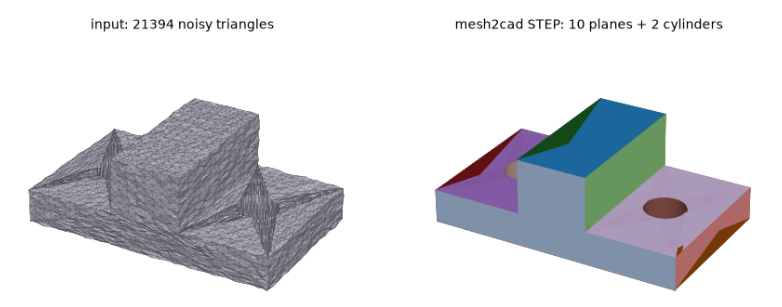
    If it looks like an object that could have been made in OpenSCAD, then Mesh2CAD can probably CAD-ify it.

    Also has an MCP interface and CLI.

    Section3D

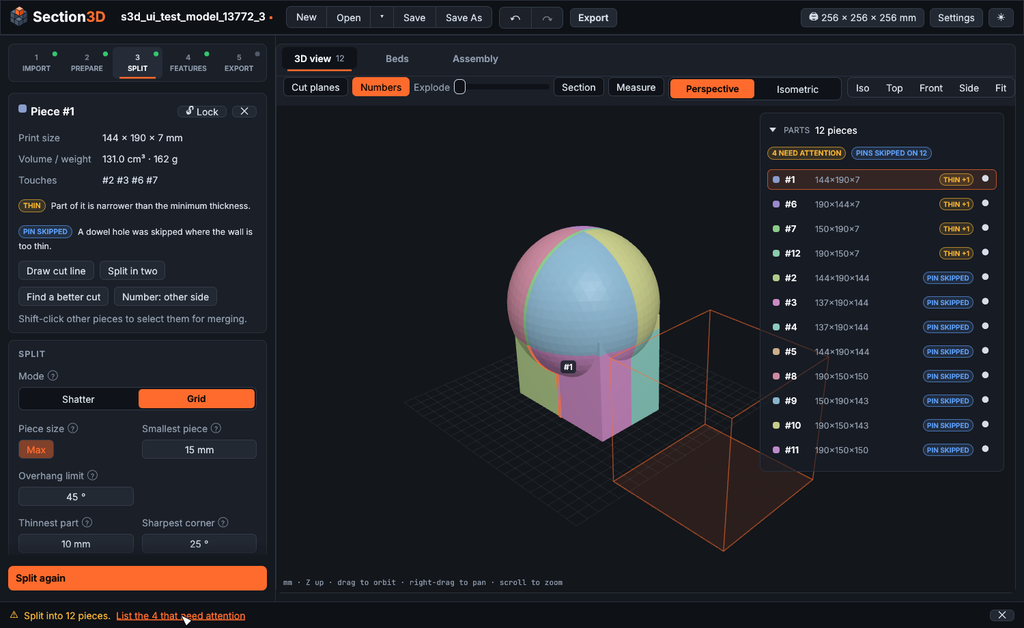
    Doesn’t deal with 3D scans, but provides a way to intelligently “shatter” large 3D models (even and especially VERY LARGE models) into smaller, printable pieces that are easily assembled.

    Standalone executable and worth at least a bookmark.
  • Designing a Print-Friendly Sliding Lid Closure

    A short while ago I decided to design a small container with a sliding lid that could be 3D printed easily, and would require no fiddly supports or anything.

    A dovetail design for the lid and container was something that can be printed with no supports, but I wanted a way for the lid to be held shut without making it overly tight.

    I also wanted to keep it simple, not depend too much on fiddly tolerances (there’s a very fine line between “tight enough” and “too tight”), and I wanted to keep the “easy to 3D print without supports, etc” angle. I didn’t want to add any external parts or hardware, either. This was actually quite challenging!

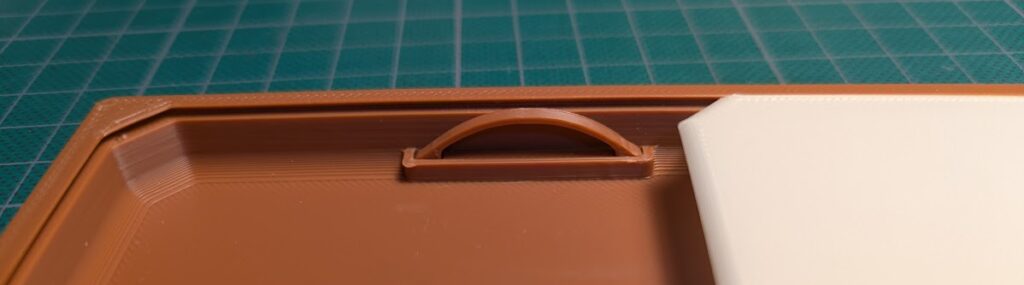
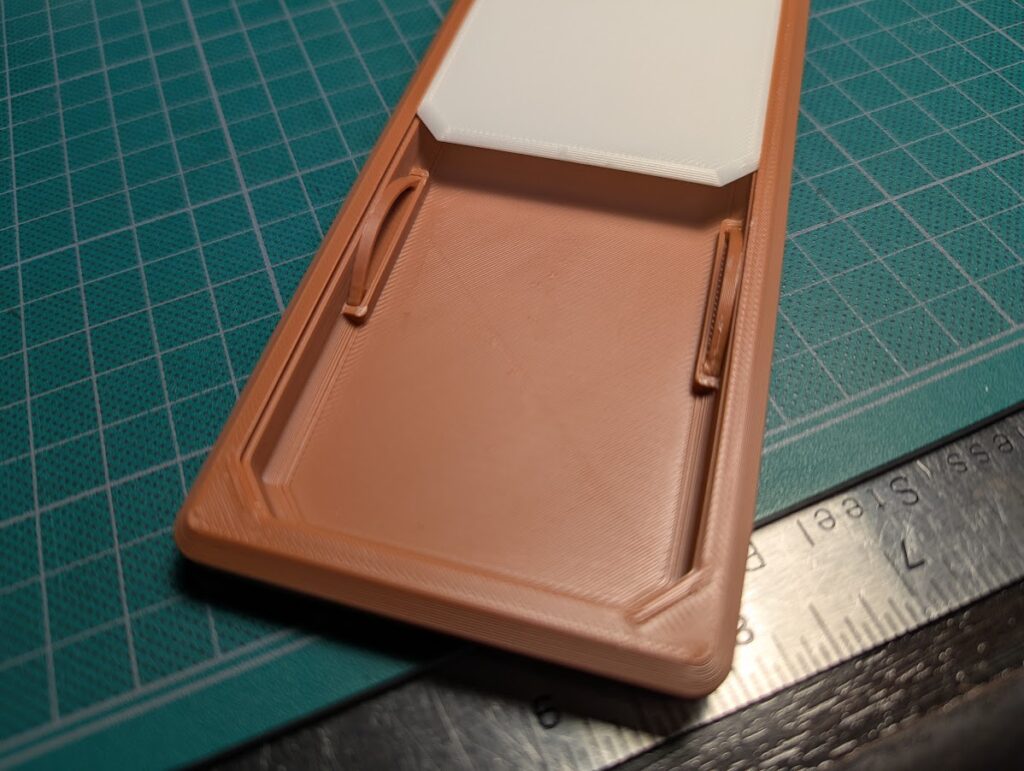
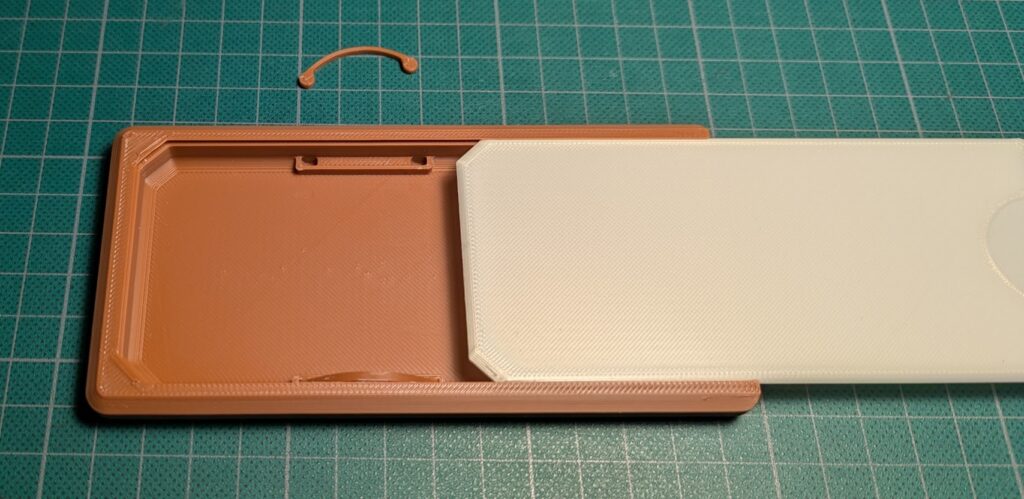
    I settled on what you see in the header image: a type of spring that pushes up on the lid, keeping it tight by friction, but with enough wiggle room to not be too picky.

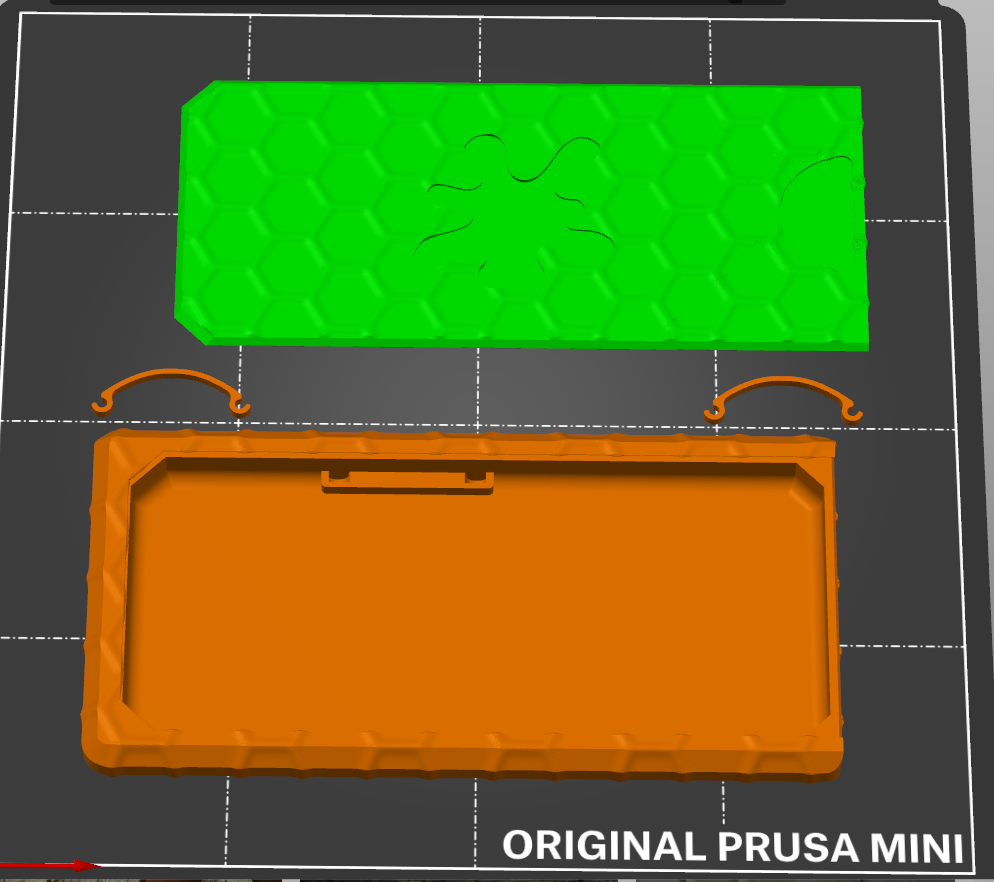
    The leaf-spring-looking bits are printed separately and slot into the holders. I’d prefer a print-in-place solution, but this is necessary to have the parts turn out right.

    I considered just using two segments of filament, which I think has potential but I saw two problems:

    1. It increases the amount of work (I’d need to cut segments of filament to use as parts, instead of just printing the parts I need), and
    2. It would be picky about the exact length.

    While I think using bits of filament to make pseudo leaf springs has potential, I went with this solution instead.

    (The texturing on the models is from Stefan of CNC Kitchen’s fantastically-useful Bump Mesh tool.)

    I am pretty happy with this design, although I would not be surprised to discover it is something I independently (re)discovered while dealing with this problem.

    What’s useful about it?

    • The carrier prints easily on a filament-based printer without needing printer settings to be tweaked.
    • Prints without supports.
    • It isn’t picky about filament type, so it’s a good print to use up spare filament.
    • The two leaf springs aren’t under a lot of stress, so they should last.
    • While I would prefer zero assembly required, this is a reasonable compromise. (At least there is no glue, hardware, etc.)
    • The texture on the outside (a work in progress) is nice.

    What’s it actually for?

    It’s an experiment in printing a combination shipping / carrier case for Blood Spatter Tokens (which I designed, make, and sell online.)